

Find your internet plan
in just 1 minute
Choose your dates and how you'll use it — we'll suggest the best plan for you.
Choose your dates
How you'll use it
HD Telecom plans
Monthly data SIM
Plenty of data, paid monthly, with several data sizes to choose from.
From ¥1,800/monthexcl. tax
From ¥1,980/month incl. 10% taxMinimum contract 6 months; cancelling early costs ¥3,300 per SIM. Rakuten 300GB plan: from 2 months, no cancellation fee. Activation fee ¥3,300 per SIM.
See plans12-month prepaid data SIM
Pay once and use it all year, with no monthly renewals to think about.
From ¥7,980 for 12 monthsexcl. tax
From ¥8,778 for 12 months incl. 10% taxOne payment covers all 12 months. No cancellation fee and no automatic renewal; cancelling part-way does not refund the unused months. No activation fee.
See plansMonthly eSIM
No physical SIM needed: we email you a QR code to set it up.
From ¥2,500/monthexcl. tax
From ¥2,750/month incl. 10% taxMinimum contract 6 months; cancelling early costs ¥3,300 per eSIM. Rakuten eSIM 300GB: from 2 months, no cancellation fee. Activation fee ¥3,300 per eSIM.
See plansPocket WiFi
One device gets your phone, laptop and the whole family online.
From ¥4,500/monthexcl. tax
From ¥4,950/month incl. 10% taxMinimum contract 6 months; cancelling early costs ¥3,300 per device. Device: buy for ¥9,900, or rent with a ¥5,000 deposit (refunded after you return the device). Activation fee ¥3,300 per device.
See plans
SIM, eSIM and WiFi plan prices exclude tax; the total including 10% consumption tax is shown under each price. Voice SIM prices include tax.
Why choose HD Telecom
Simple online ordering
To order, enter your name, date of birth, email and phone number, plus a delivery address in Japan if anything needs to be shipped. We may ask you for a photo of your ID. You must be 18 or older to order.
Clear fees, shown upfront
Activation fee ¥3,300 per SIM, eSIM or pocket WiFi (not charged for the 12-month prepaid SIM), free delivery within Japan. You see the full total before you order.
Support in 5 languages
Our support team speaks Vietnamese, Japanese, English, Korean and Chinese. Reach us via Messenger, the support form or email.
Choose how you pay
The payment methods currently available are shown when you place your order.
Delivery anywhere in Japan
Data SIMs and pocket WiFi usually arrive in 1–3 business days. An eSIM needs no delivery at all.
Frequently asked questions
Should I choose a physical SIM or an eSIM?
If your phone supports eSIM, choose eSIM — it arrives by email with no waiting for delivery. If it does not, or you prefer a physical card, choose the physical SIM.
How do I know if my phone supports eSIM?
On iPhone: Settings → General → About and look for "EID". On Android: Settings → About phone and look for "EID". If an EID is listed, your phone supports eSIM.
Will it work on a carrier-locked phone?
No. A locked phone will not accept another carrier's SIM or eSIM. You need to have it unlocked first.
Can I use it anywhere in Japan?
Yes. Plans run on SoftBank or Rakuten infrastructure, covering most populated areas of Japan. Signal can be weaker in mountains or on remote islands.
What happens when the high-speed data runs out?
You stay connected but at a reduced speed until the next cycle begins. Messaging and light browsing still work; video will struggle.
Useful articles
See all articles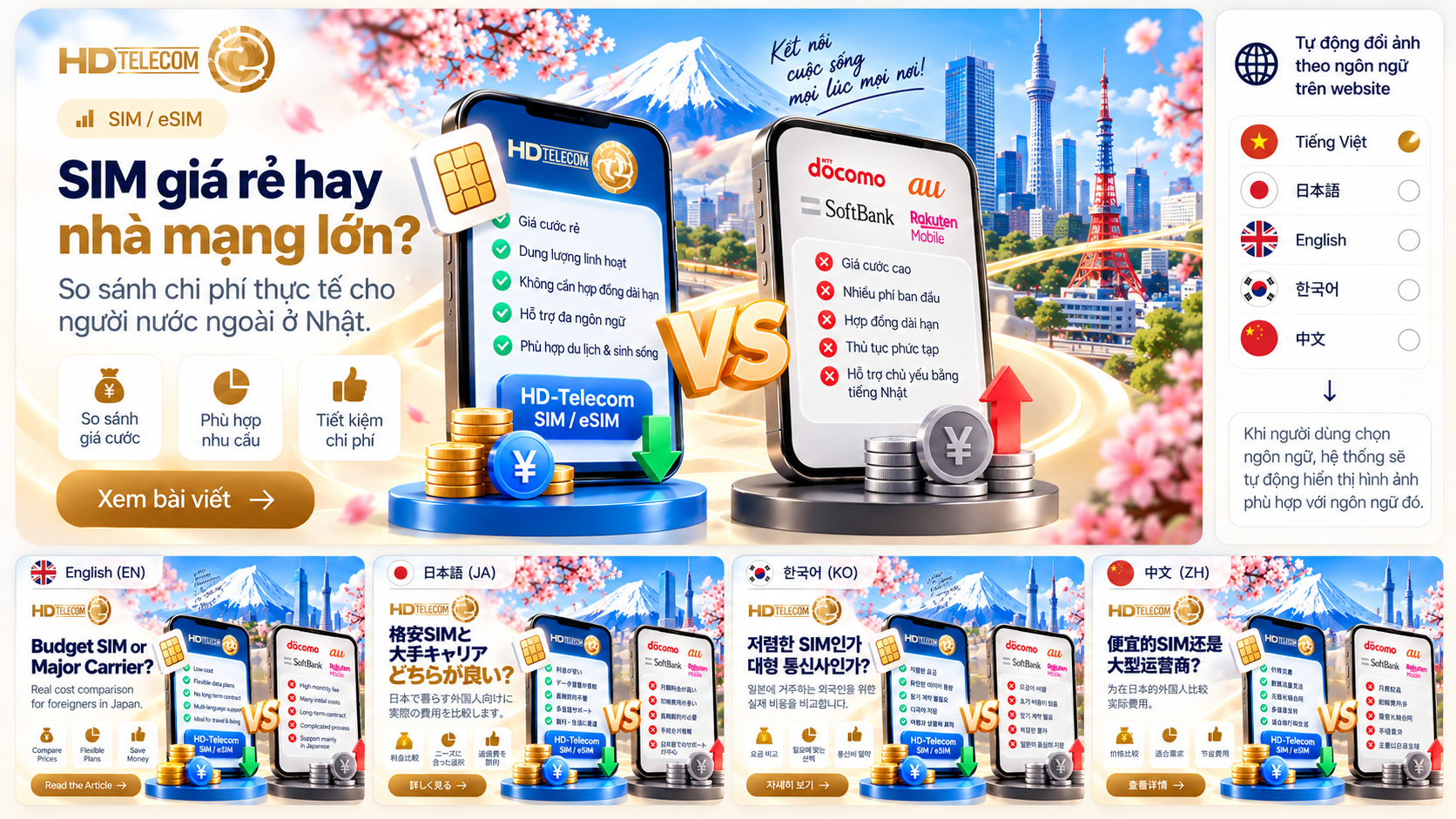 SIM / eSIM
Which SIM Card Should You Buy in Japan? Major Carriers vs. Budget SIMs (MVNO)
 Travel in Japan
Autumn Foliage Onsen in Japan: Top 10 Hot Springs for Fall Foliage
 Travel in Japan
Autumn Day Trips from Tokyo: 10 Fall Foliage Spots to Return the Same Evening
 Travel in Japan
Kyoto Autumn Foliage: 10 Must-Visit Spots and How to Avoid the Crowds
 Travel in Japan
Autumn Foliage in Osaka & Nara: 10 Best Spots for Red and Yellow Leaves (with Access Guide)
 Travel in Japan
Japan Autumn Foliage Forecast by Region: Top 10 Spots from Hokkaido to Kyushu
Setup guides
Check if your phone is compatible
See whether your phone supports eSIM and is unlocked before you order.
How to set up a SoftBank / Rakuten eSIM
Install with a QR code or enter the details manually on iPhone and Android.
SoftBank SIM APN setup on iPhone and inserting a SIM
Install the APN configuration profile for the SoftBank (and Rakuten) data SIM on iPhone, insert the SIM, and fix connection problems. Android needs no setup.
How to use pocket WiFi
Turn it on, connect several devices and fix a slow connection.